




“Your Windows license will expire soon”: what it means and how to fix it
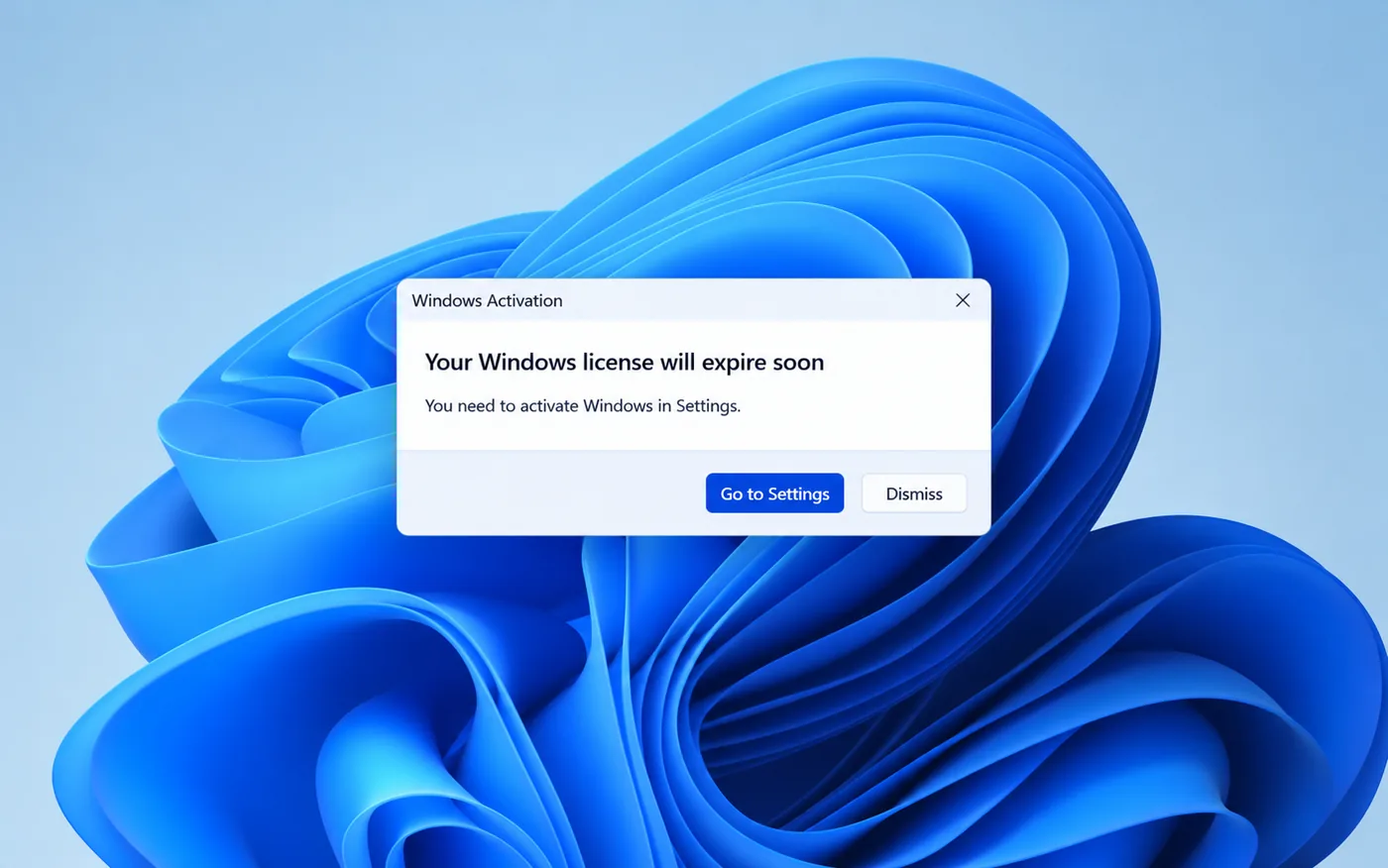
A pop-up or a message on the Activation page warns you:
“Your Windows license will expire soon. You need to get a new license from your system administrator or Microsoft.”
A normal retail or preinstalled Windows license never expires, so this message tells you Windows is running on a temporary license of some kind. This guide shows how to find out which one, and how to fix each case.
"Your Windows license will expire soon" appears when Windows runs on a time-limited license: a volume (KMS) activation, an evaluation copy or a Windows Insider preview build. First check when and why it expires. A KMS license is fixed by entering a retail key; an evaluation copy or Insider build has to be replaced with a regular release of Windows.
Watch: fix “Your Windows license will expire soon”
Prefer watching? This video shows the warning, the three causes, how to check them with slmgr /xpr, slmgr /dlv and winver, and the fix for each case.
Watch on the KRBKeys YouTube channel →
Short on time? Watch the short version
The same fix in a quick vertical video made for phones. Open it on YouTube Shorts →
Why does Windows say "your Windows license will expire soon"?
- Volume (KMS) activation. Company PCs activate through a KMS server and must renew every 180 days. A home PC set up this way, for example an ex-company PC or a copy activated with an unofficial “activator” tool, can’t renew and starts showing the warning.
- An evaluation copy. Windows Enterprise Evaluation runs for 90 days and then expires.
- A Windows Insider preview build. Preview builds have an expiry date and must be updated to a newer build.
Step 1: See when and why it expires
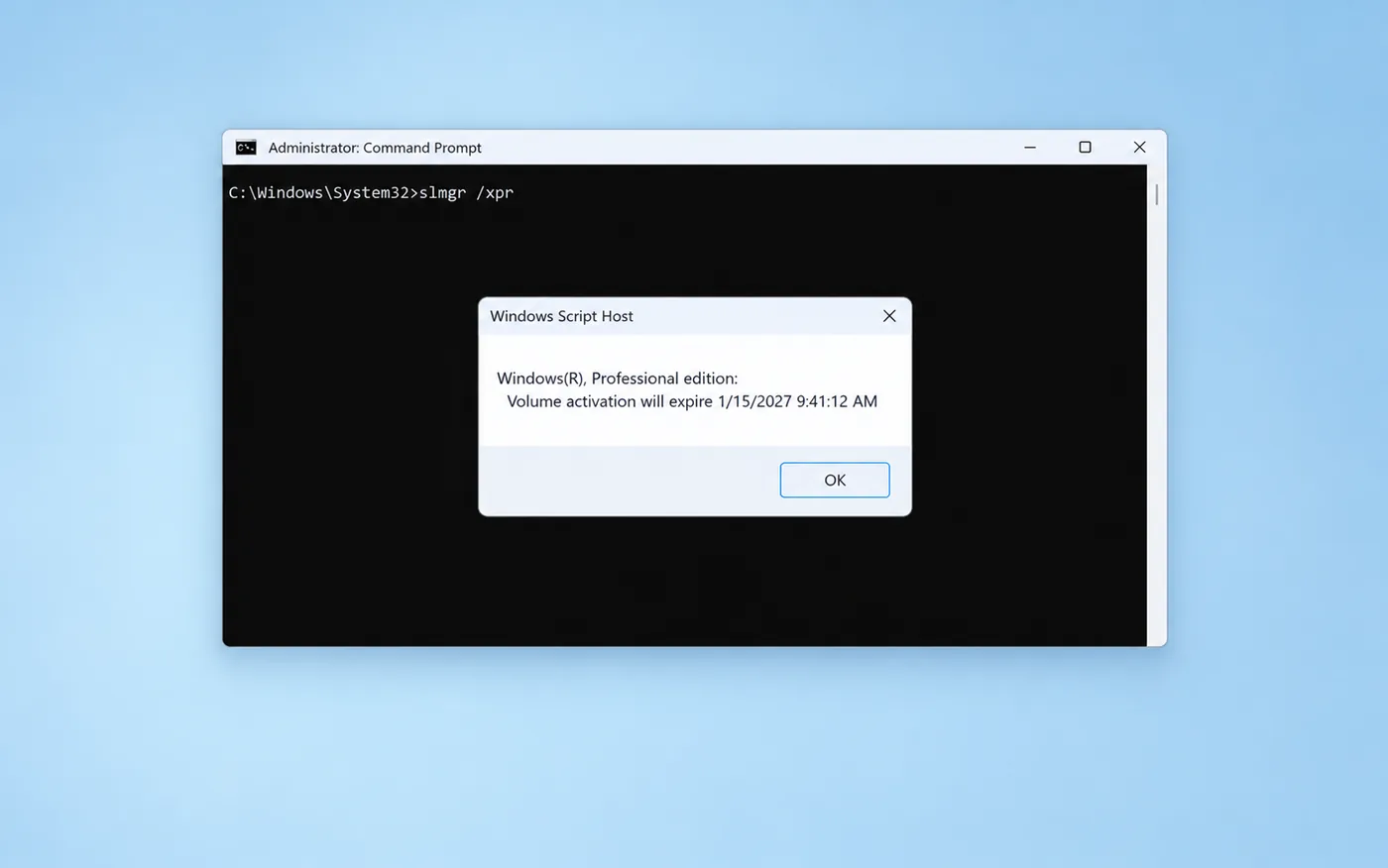
- Open Command Prompt as administrator (Start, type
cmd, right-click, Run as administrator). - Run
slmgr /xprto see the expiry date. - Run
slmgr /dlvand read the Description line: VOLUME_KMSCLIENT means a volume license (Fix A), TIMEBASED_EVAL means an evaluation copy (Fix B). - Press Windows + R, type
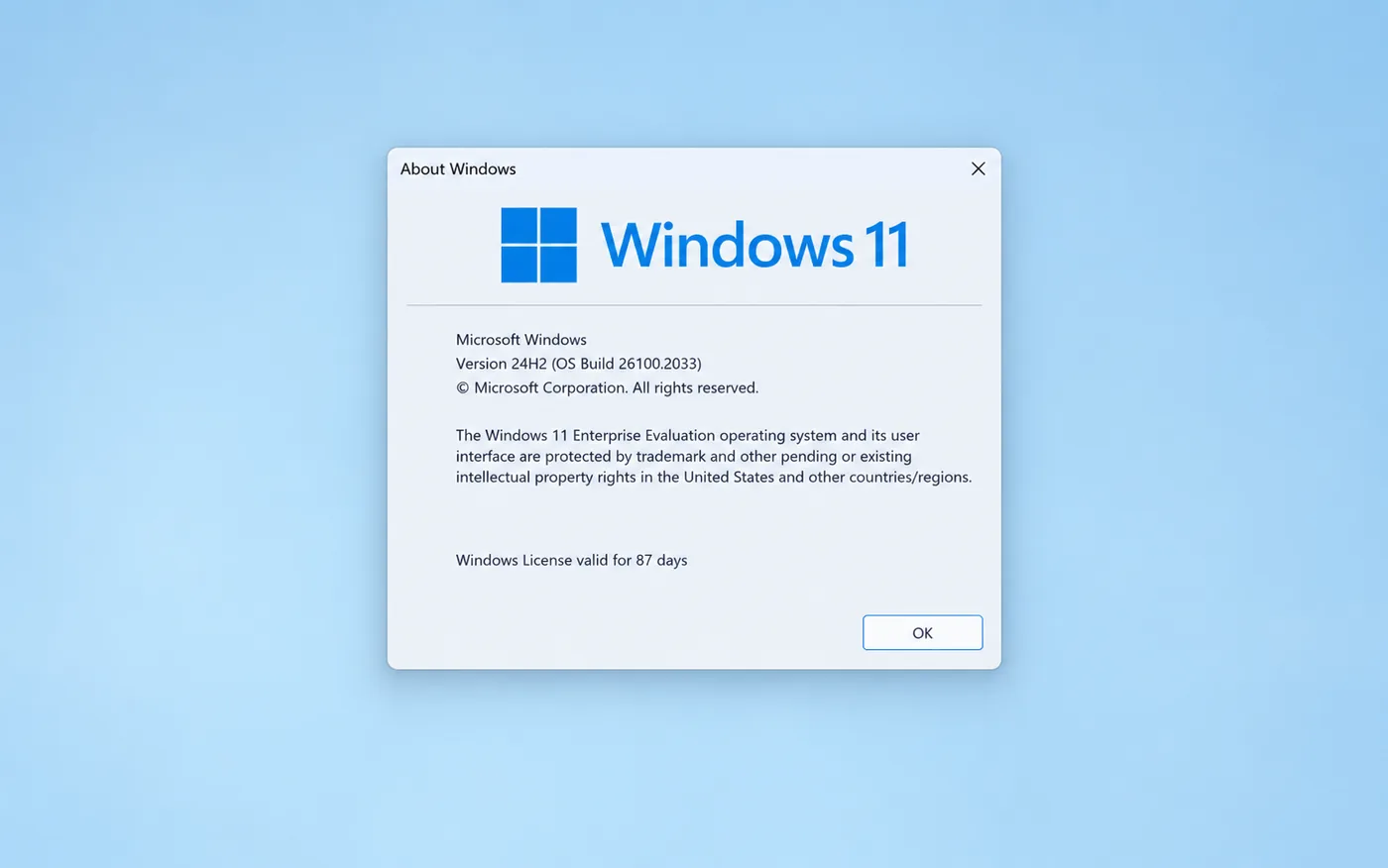
winverand press Enter. If it says Evaluation copy or Insider Preview, use Fix B or Fix C.
Fix A: Volume or KMS license
Replace the volume key with a retail key that matches your edition (Home or Pro):
- Go to Settings → System → Activation → Change product key and enter your retail key.
- If Settings refuses it, run
slmgr /ckms, thenslmgr /ipkwith your key, thenslmgr /ato. - Run
slmgr /xpragain. It should now say The machine is permanently activated.
If the PC still belongs to a company or school, contact their IT team instead.
Fix B: Evaluation copy
An evaluation copy of Windows can’t be turned into a full version by entering a key. Back up your files, install Windows 11 or Windows 10 Home or Pro from Microsoft’s official download page, and activate it with a retail key.
Fix C: Windows Insider build
Open Settings → Windows Update and install the latest build. To leave the Insider Program, go to Windows Update → Windows Insider Program and stop getting preview builds. Depending on the channel you may need to reinstall a normal release to leave completely.
Make the warning go away for good
A retail license is permanent: no renewals, no expiry date, and it activates directly with Microsoft.
- ✔ Windows 11 Pro keys are delivered instantly by email
- ✔ Lifetime license, transferable to a new PC
- ✔ Free help if activation doesn’t go through
Frequently asked questions
What happens if I ignore the message?
When the license expires, Windows becomes unactivated: the watermark returns and personalisation is locked. An expired evaluation copy also shuts down automatically about every hour.
Does a retail Windows license expire?
No. A retail license is valid for life. If you see this warning, Windows is not using a retail license.
Can I fix it without reinstalling?
Yes for volume (KMS) licenses and Insider builds. Only an evaluation copy needs a reinstall.
Will I lose my files when I change the key?
No. Changing the product key keeps all your files, apps and settings.


























