



- VISA
- Mastercard
- AMEX
- PayPal
- Discover
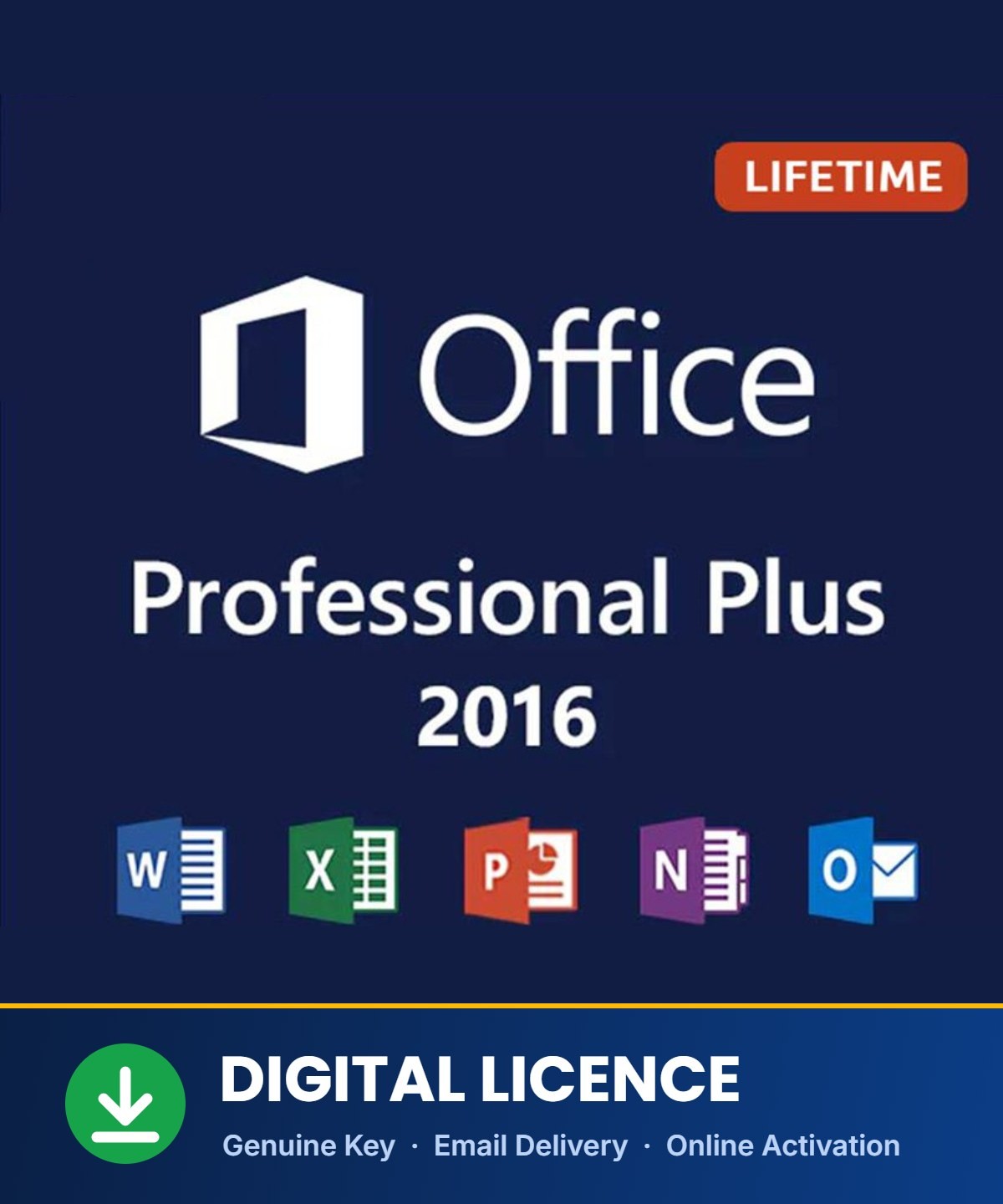
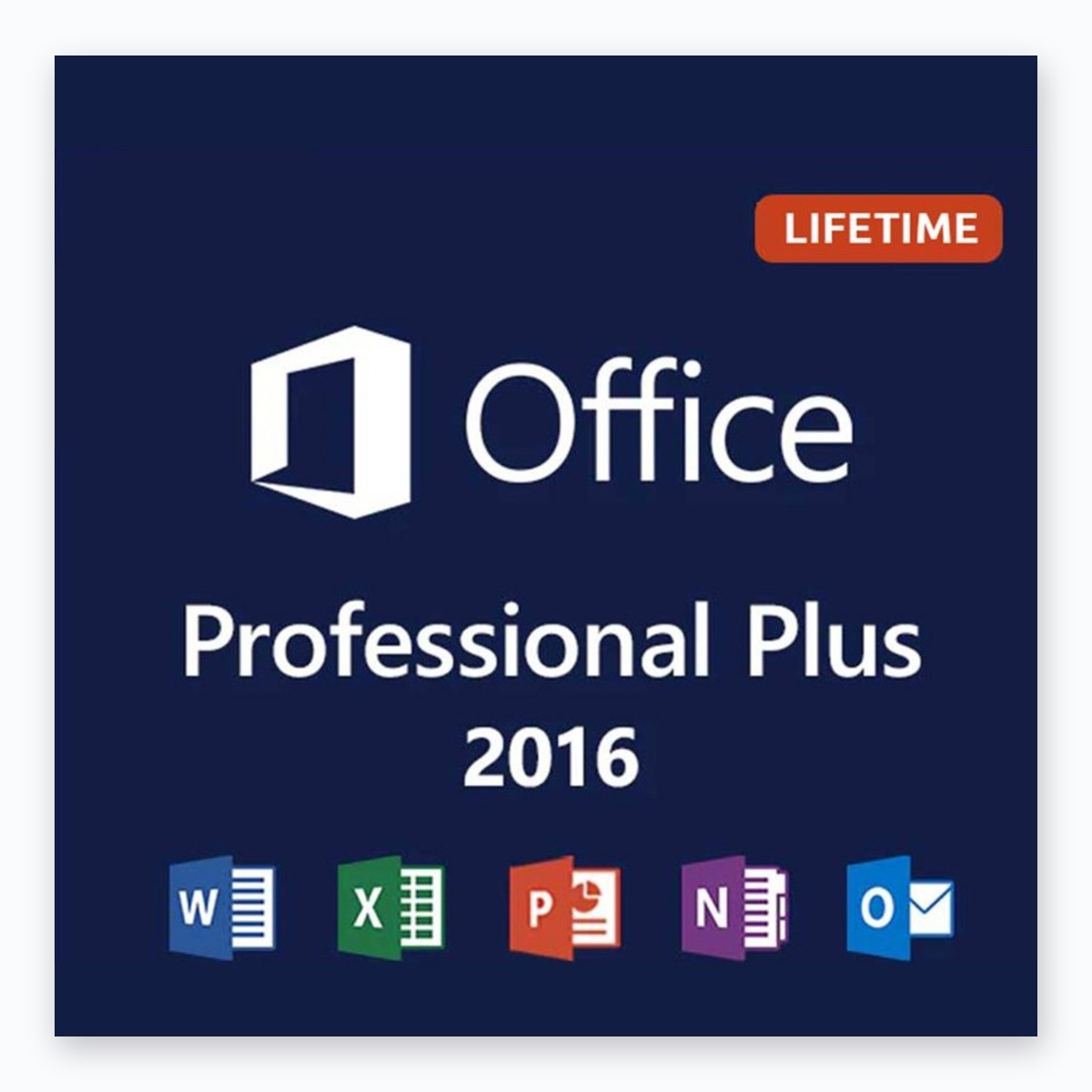
Office 2016 Professional Plus for Windows
14.99 $ USD
- ✔One-time purchase: lifetime license for 1 PC, no subscription
- ✔7 apps: Word, Excel, PowerPoint, Outlook, OneNote, Publisher and Access
- ✔Fast delivery: product key and download links (32 & 64-bit) by email
- ✔Multi-language, online activation with free support
- ✔Our lowest-priced Office: great for basic, everyday work
- ✕Windows only, not for Mac
Microsoft Office 2016 Professional Plus
The most affordable way to get the full classic Office suite on Windows. Pay once and keep it, with no subscription. Office 2016 Professional Plus includes Word, Excel, PowerPoint, Outlook and OneNote, plus Publisher and Access, everything you need for documents, spreadsheets, presentations, email and databases.
ℹ️ Good to know about Office 2016 support
Microsoft’s support for Office 2016 ended on October 14, 2025. Office 2016 keeps working and can still be installed and activated, but Microsoft no longer releases security updates for it. It’s a good budget choice for basic, offline work. For newer features and ongoing updates, see Office 2024 Pro Plus.
What’s Included in Office 2016
💡 Tell Me & Smart Lookup
Type what you want to do and Office takes you there, or look up definitions and info without leaving your document.
📊 New Excel charts
Treemap, sunburst, waterfall, histogram and box & whisker charts to visualize your data.
🔄 Get & Transform in Excel
Import, clean and combine data from many sources with built-in Power Query tools.
✒️ Ink equations
Write math equations by hand and Office converts them into clean, editable text.
🗄️ Publisher & Access
Design flyers and newsletters, and build your own databases.
🎨 Modern themes
Colorful and Dark Gray themes give every app a cleaner, easier-on-the-eyes look.
What You Get
| License | One-time purchase, lifetime use on 1 Windows PC |
| Delivery | Product key and download links (32-bit and 64-bit) by email |
| Activation | Online activation (internet connection required) |
| Apps | Word, Excel, PowerPoint, Outlook, OneNote, Publisher, Access |
| Language | Multi-language: install in your preferred language |
| Support | Free activation help by email and Live Chat |
Which Office Version Is Right for You?
| Version | Best for |
| Office 2016 Pro Plus | Lowest price, basic everyday work |
| Office 2019 Pro Plus | Budget choice with newer Excel and PowerPoint features |
| Office 2021 Pro Plus | Adds Dark Mode, XLOOKUP and real-time co-authoring |
| Office 2024 Pro Plus | Newest version, Microsoft updates until 2029 |
See all versions in our Office Pack category.
System Requirements
| Operating system | Windows 11, Windows 10, Windows 8.1 or Windows 7 SP1 |
| Processor | 1 GHz or faster |
| Memory | 2 GB (64-bit), 1 GB (32-bit) |
| Storage | 3 GB available disk space |
| Display | 1280 × 800 |
| Other | Internet access for activation |
🛠️If Your Key Doesn’t Activate
- Install from your delivery emailUse the download link we sent you. If another Office version is installed, uninstall it first and restart.
- Enter the key inside an Office appOpen Word, go to File → Account → Change Product Key, and paste the key from your email.
- Seeing “Unlicensed Product”?Usually a Microsoft 365 trial is blocking it. Our Unlicensed Product guide fixes it step by step (the steps are the same for Office 2016).
- “Product key is not valid”?Copy and paste the key instead of typing it. See our key not valid guide.
Still stuck?
Send us your order number and a screenshot. We typically reply within 1–6 hours.
💬Frequently Asked Questions
Which apps are included?
Does Office 2016 work on Windows 11?
Is this a subscription?
Will Office 2016 still get updates?
Why is Office asking me to subscribe or start a trial?
Does this work on a Mac?
What’s your refund policy?
Activation Help Guides
Instant Digital Delivery
This is a digital product, so there's nothing to ship and no waiting for a package. Your key arrives by email, within 2–10 minutes after payment.
1. Complete your payment
Pay securely by card, PayPal or Google Pay. Your order is confirmed instantly.
2. Check your email
Within 2–10 minutes, you receive your product key, the official download link, and step-by-step instructions.
3. Install & activate
Follow the instructions in the email. Activation takes just a few minutes.
| Delivery time | 2 to 10 minutes |
| Delivery method | |
| Shipping cost | Free, no physical shipping |
| Payment | Visa, Mastercard, American Express, Discover, PayPal, Google Pay |
📩 Didn't receive your email?
Check your Spam or Promotions folder first. Still nothing? Contact us at support@krbkeys.com or via Live Chat with your order number, and we'll resend it right away.


























