




Windows Activation Error 0xC004C008: Product Key Already in Use – How to Fix It
If Windows shows error code 0xC004C008 or tells you your product key is "already in use," it can feel like the key is bad. Usually it isn't. This error means Microsoft's activation server has a record of the key being used before, and there are a few reliable ways to sort it out.
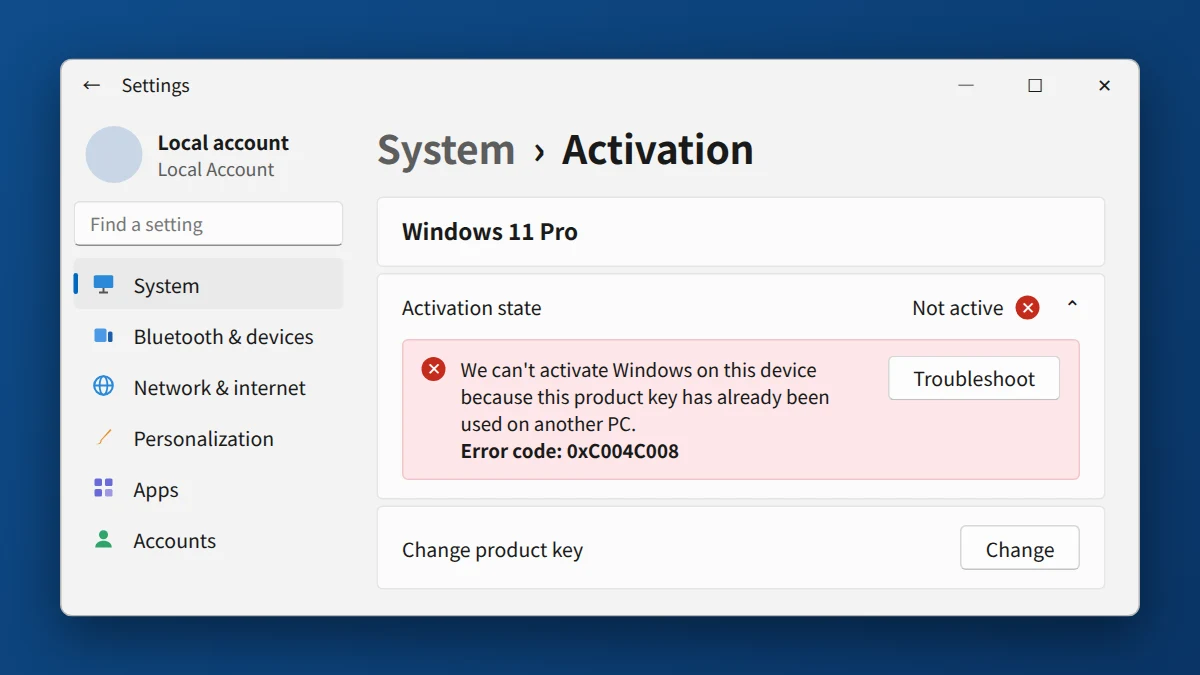
Error 0xC004C008 means the product key is already in use: it's still active on another PC or has reached its activation limit, often after a hardware change. Restart and retry, and run the Activation troubleshooter. If you moved the key from an old PC, remove it there first with slmgr /upk, then re-enter it on the new one. If it still fails, phone activation usually works; otherwise contact the seller with your order number.
Watch: fix error 0xC004C008 step by step
Prefer watching? This video shows the error, the five causes and all six steps, including freeing the key on your old PC with slmgr and phone activation with slui 4.
Watch on the KRBKeys YouTube channel →
Short on time? Watch the short version
The same fix in a quick vertical video made for phones. Open it on YouTube Shorts →
What does error 0xC004C008 mean? (key already used on another PC)
Windows checks each key against Microsoft's activation records. The server responds with 0xC004C008 when the key already appears to be tied to another device, or when it has been activated on more devices than its license allows. It is a check on the key's activation history, not automatic proof that the key is fake.
Why is my product key already in use?
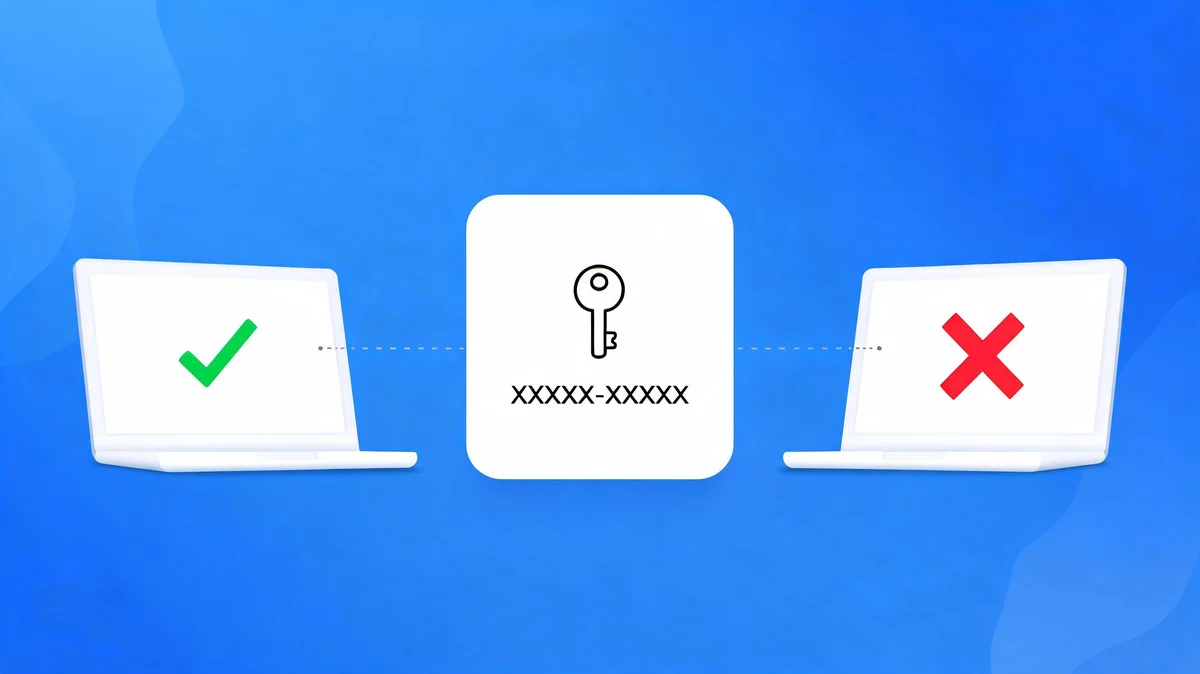
- The key is still active on another PC. A Retail key can be moved, but the old device has to release it first.
- You changed hardware. A new motherboard can make Windows treat your PC as a different device.
- The key type has an activation limit. OEM keys are tied to the first device they activate, and some volume keys have a fixed number of activations.
- The key was used by someone else. This is rare, but it can happen when a key is sold to more than one person.
- A temporary connection or server problem. Less common, but worth ruling out first.
How to fix 0xC004C008 and move your key to a new PC
- Restart and retry. Make sure you're online, restart your PC, and try activating again.
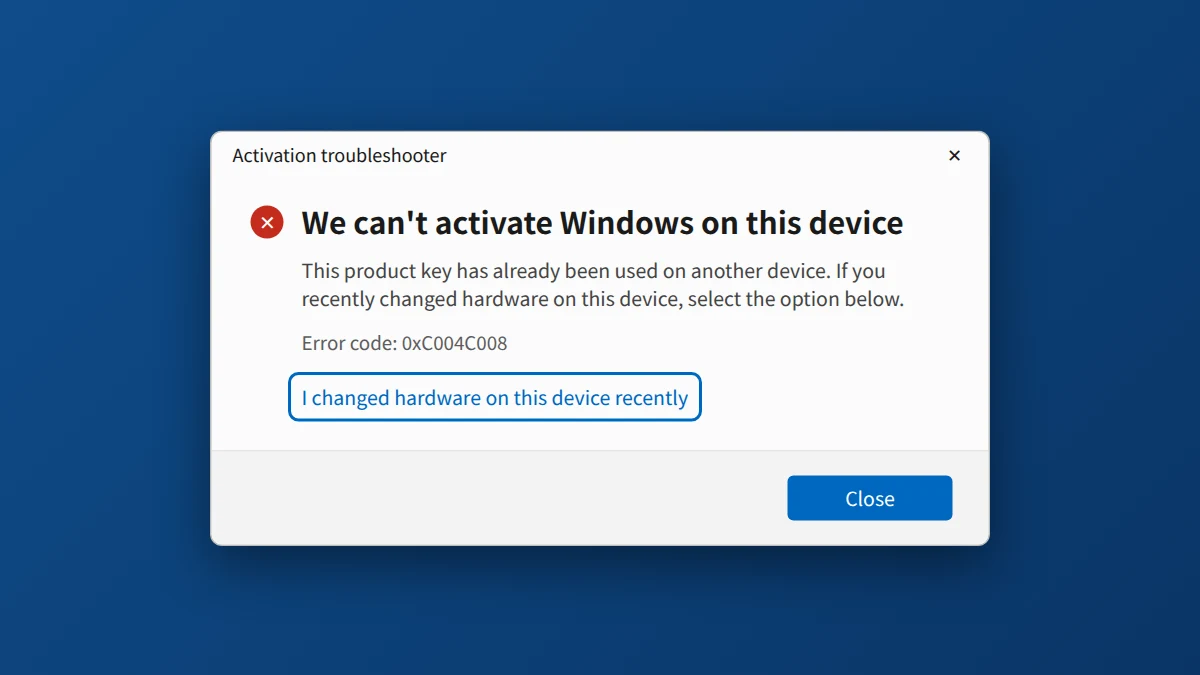
- Run the Activation Troubleshooter. Go to Settings → System → Activation → Troubleshoot (on Windows 10: Settings → Update & Security → Activation). If you recently changed hardware, the troubleshooter may offer

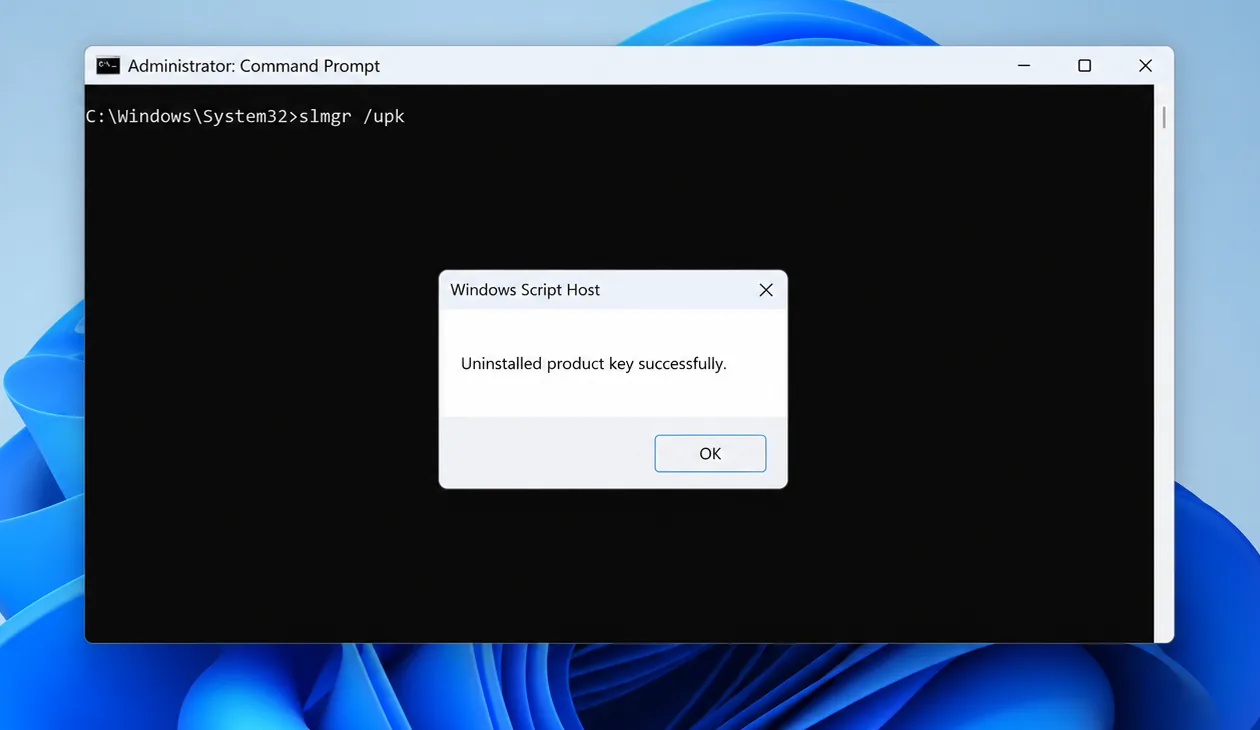
Illustration: Changed a part like the motherboard? Choose "I changed hardware on this device recently." - Free the key on your old PC. If the key is still installed on your old PC and you still have it, remove it there first. On the old PC, open Command Prompt as administrator and run slmgr /upk (uninstalls the key), then slmgr /cpky (clears it from the registry). Microsoft's server can take a while to notice, so phone activation below is often the quickest way through on the new PC.
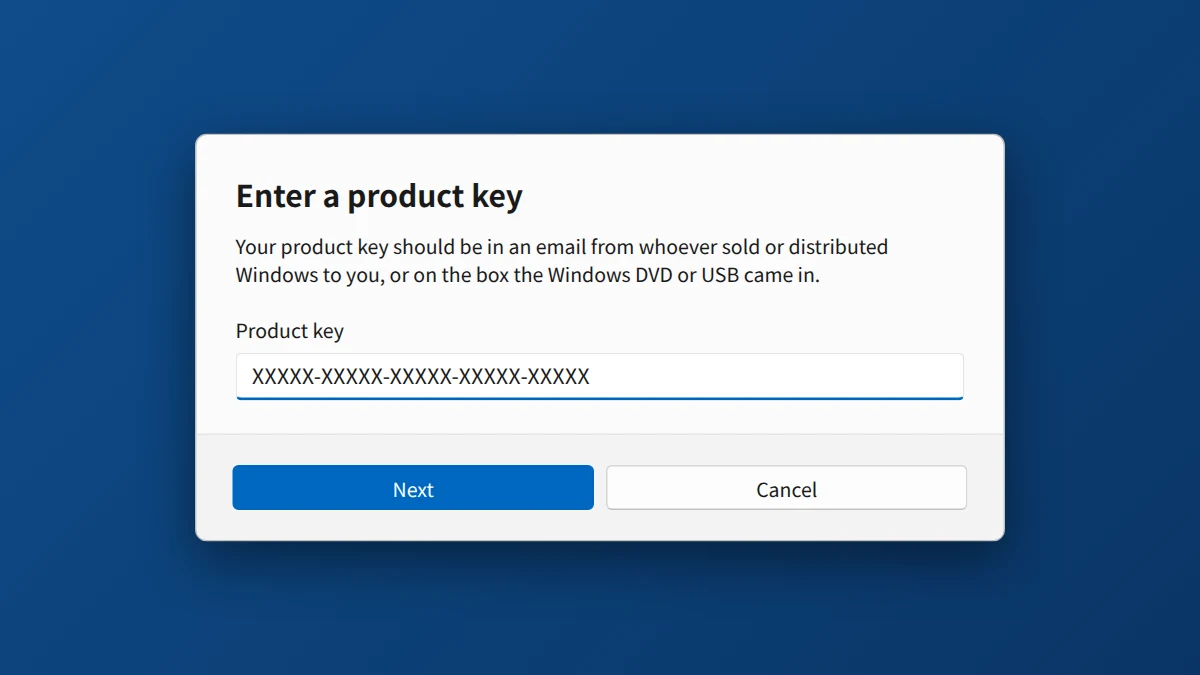
Illustration: on the old PC, slmgr /upk confirms "Uninstalled product key successfully." Then run slmgr /cpky. - Re-enter the key. Go to Settings → System → Activation → Change product key, and paste the key from your email.
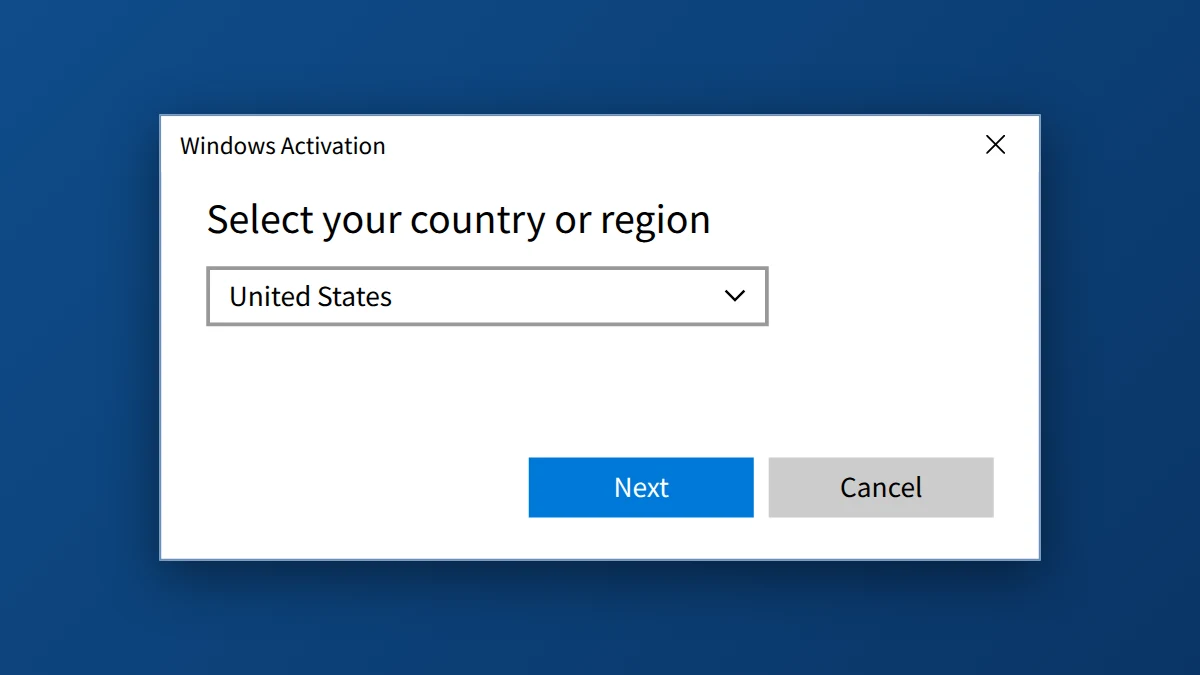
- Try phone activation. Press Windows + R, type slui 4, and press Enter. Choose your country, call the number Windows displays, and follow the prompts. If you reach a person, mention that you moved the license to a new PC, reinstalled Windows or changed hardware. If slui 4 doesn't offer phone activation, open the Get Help app and ask for activation support.
- If phone activation fails, contact Microsoft Support, or the seller you bought the key from.
If You Bought Your Key From KRBKeys
If this error appears on a key you bought from us, email support@krbkeys.com with your order number, the error code, and your Windows edition (Home or Pro). We typically reply within 1–6 hours, and if the key is genuinely invalid or already used, we replace it at no cost.
Need a genuine Windows key?
Retail keys with fast email delivery and free replacement if activation fails.
Frequently Asked Questions
Does error 0xC004C008 mean my key is fake?
No. It means the activation server sees the key as already used or over its limit. That can come from a hardware change or a key that is still active on another PC, so a fake key isn't the only explanation.
Does this error affect both Windows 10 and Windows 11?
Yes. It appears on both, and the fixes above work the same way on each.
Can I move my key to a new PC?
A retail key, yes, one PC at a time: free it on the old PC first (step 3 above). An OEM key stays with the first PC it activated.
How do I check what kind of key I have?
Open Command Prompt and run slmgr /dli. The window shows the license channel: Retail, OEM or Volume.
Is phone activation free?
Windows normally shows a toll-free number for your country when you run slui 4, but check the number displayed on your screen before you call.
What if none of the fixes work?
If the key was genuinely used elsewhere, the practical fix is a replacement key. Email your seller with your order number. If you bought from us, we'll take care of it.
How is this different from error 0xC004C060 or 0xC004F050?
0xC004F050 usually means Windows didn't accept the key, often because of a typo or edition mismatch. 0xC004C060 means Microsoft's activation server has blocked the key. See our guide to error 0xC004C060.


























